
µTorrent Pro and the standard Android edition can both select individual files from a torrent. Pro adds controls for the times you step away from the phone, including a setting that pauses transfers when the battery gets low. That is useful when a creator has shared a large collection for redistribution and you want to save only a portion of it to the phone.
Start with the file list in µTorrent Pro Mod Apk. A public-domain film collection might contain every title together with notes and cover images. The app lets you pick the films or documents you need and leave the rest. That choice applies to the contents of the torrent, so one large collection can become a much smaller transfer for this particular device.
Choosing files and storage
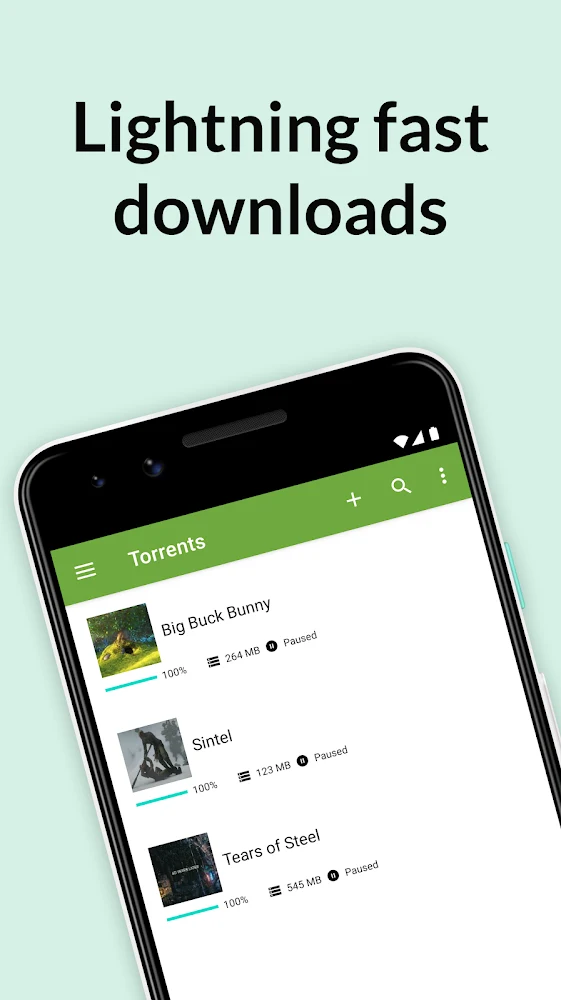
µTorrent accepts a torrent file or a magnet link from the person or organization authorized to share the material. When adding it, choose a storage destination and check the file list. If you want to keep the notes that explain who made the material and what permissions it carries, select those alongside the media you want.
The destination matters again once the transfer is complete. A dedicated folder keeps a set of public-domain material together and makes it easier to find the selected files from Android’s file manager later. The client also provides music and video libraries, so supported media has a place to open within the app.
Wi-Fi, battery and completion
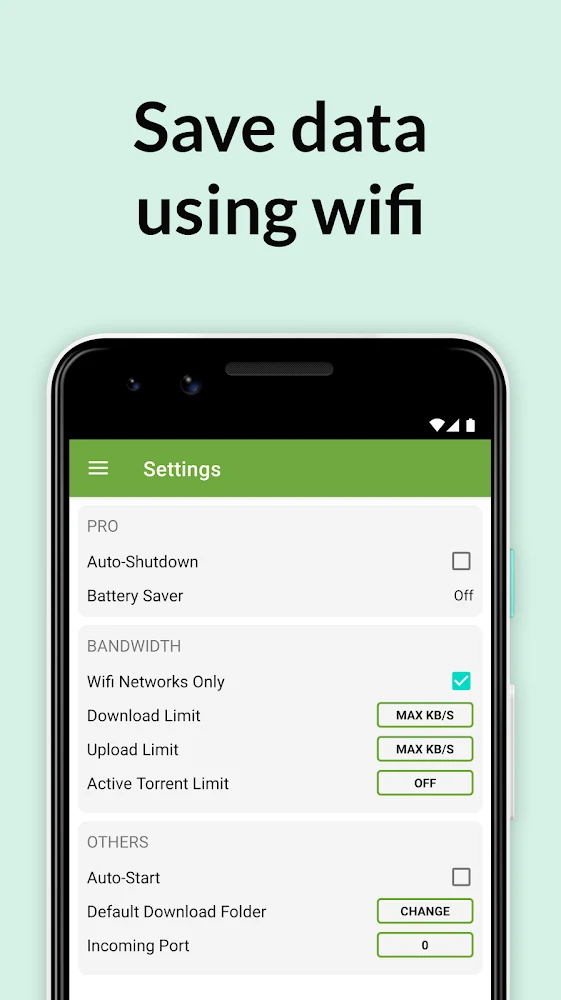
Wi-Fi-only mode keeps transfers on Wi-Fi. It makes sense for a large collection when you plan to start at home and take the phone with you later. The file list can stay in the client while the network condition determines whether the transfer runs.
Battery Saver and Auto-shutdown cover separate points in a transfer. Battery Saver can suspend torrent activity when the battery falls below the chosen level. Auto-shutdown stops torrenting when the downloads have finished and the app is in the background. A transfer that is still underway and a finished transfer therefore have different settings to consider.
When you are finished with an entry, check the two removal options before confirming. Choose to remove only the torrent to take it out of the client while keeping the files in the folder you chose. The other option also removes the saved files. This matters if you want to clear an old transfer from the list and keep a local copy for a class or project.


Leave a Reply