
The face swap in Reface Mod Apk starts with a portrait and a scene that already has a face in it. Reface maps features from the portrait onto the face in that scene. A short reaction clip for a friend’s birthday works as a target because the original scene supplies both the timing and the movement.
Swapping a face in a scene
The portrait and the target
The portrait supplies the face. The target supplies what happens around it. In the official editor, you can start with a template or choose a photo, video or GIF from your phone. Use a portrait of yourself or ask a friend who wants to appear in the edit to provide theirs. A well-lit, front-facing selfie lets the editor work with a single portrait instead of a small face in the corner of a group shot.
Choosing the face in a clip
Reface looks for faces in the selected media and lets you choose the one you want to replace. A close-up reaction is a useful first edit because you only need to make one face choice. In a scene with several people, the face picker distinguishes the person to change from the people who should stay in the clip. If that person turns away, there may be less of the swapped face on screen than the first frame suggests.
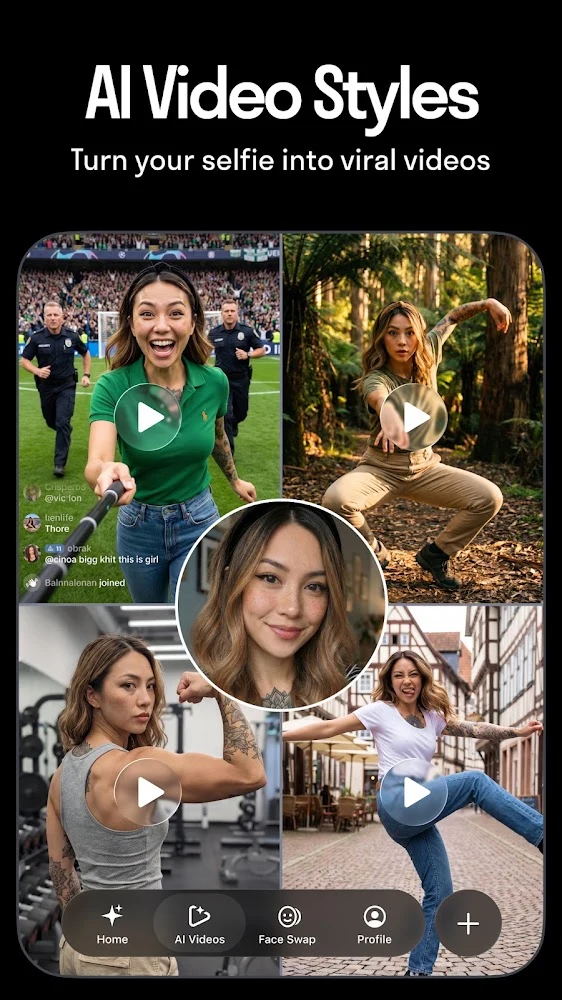
A photo swap has just one frame. A Reface swap in a video or GIF inherits a moving subject, so a change of expression becomes part of the edit. A still image can work on an invitation. Keep a short clip when the edit depends on the timing of a look or a laugh. A short loop you made with a friend can be shared as a labeled face swap.
Generated avatars and repeat edits
The official AI Avatar tool generates a new styled portrait from source photos. The face-swap editor uses an existing scene to frame the portrait. In one documented unofficial Reface variant, AI Avatars are unavailable because their generation is handled on the service’s servers.
When you are making a pair of related video edits, try both swaps from the same portrait in one session. The official mobile app can reuse the already submitted photo and face data for another swap requested within 48 hours. After that window, the official app needs to reload and process the portrait again, even when you pick the same video or GIF.


Leave a Reply